mirror of
https://github.com/nschloe/tiptop.git
synced 2026-11-01 10:37:46 +08:00
🖥️ Command-line system monitoring
- Python 99%
- Just 1%
|
|
||
|---|---|---|
| .github | ||
| src/tiptop | ||
| tests | ||
| .codecov.yml | ||
| .flake8 | ||
| .gitignore | ||
| .pre-commit-config.yaml | ||
| CODE_OF_CONDUCT.md | ||
| CONTRIBUTING.md | ||
| justfile | ||
| LICENSE | ||
| pyproject.toml | ||
| README.md | ||
| tox.ini | ||


Command-line system monitoring.










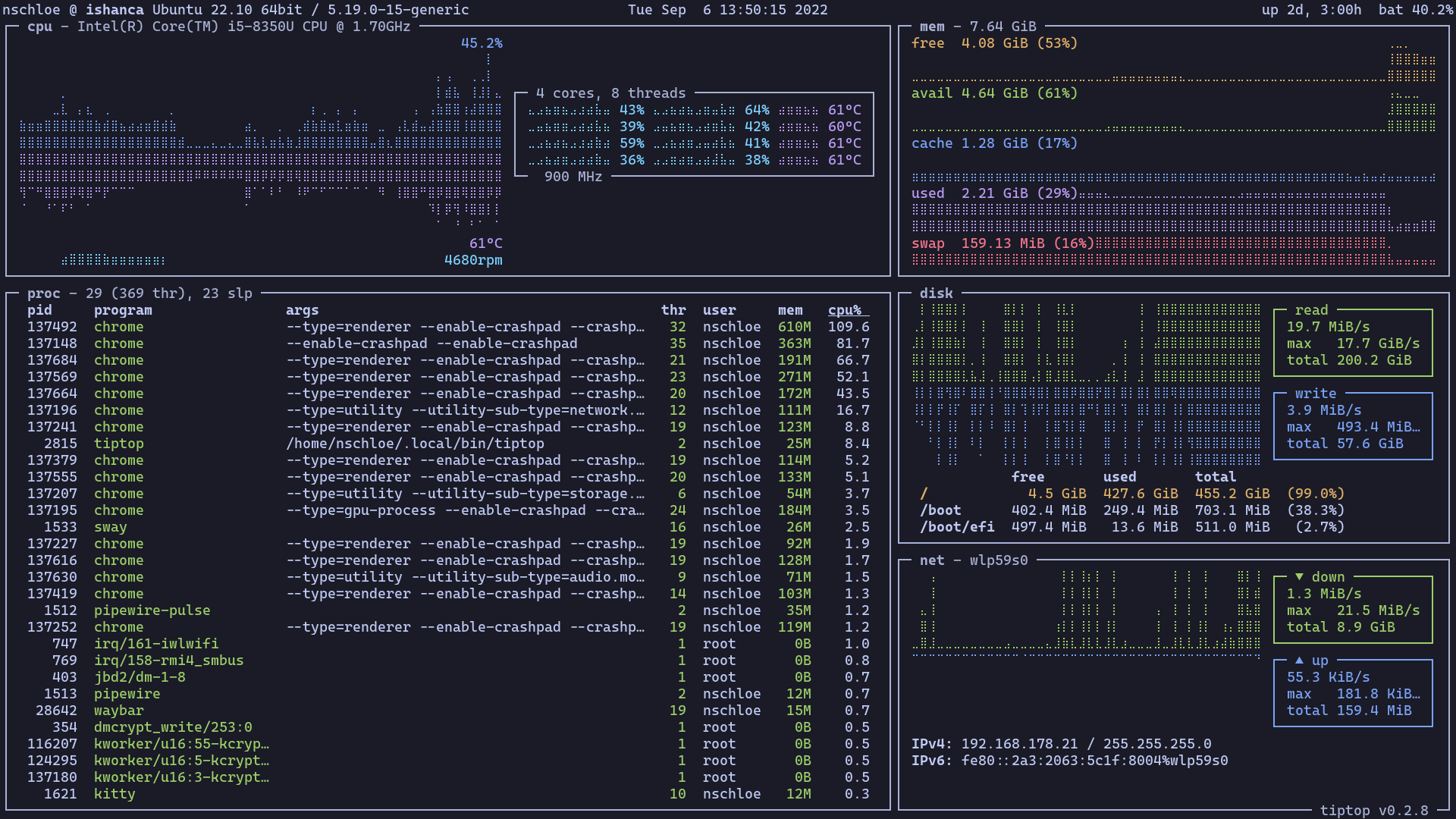
tiptop is a command-line system monitoring tool in the spirit of top. It displays various interesting system stats and graphs them. Works on all operating systems.
Install and run with
pip install tiptop
tiptop
For all options, see
tiptop -h
usage: tiptop [-h] [--version] [--log LOG] [--net NET]

Command-line system monitor.

options:
  -h, --help         show this help message and exit
  --version, -v      display version information
  --log LOG, -l LOG  debug log file
  --net NET, -n NET  network interface to display (default: auto)
tiptop uses Textual for layouting and psutil for fetching system data.
Other top alternatives in alphabetical order:
See here for a comparison by GitHub stars.